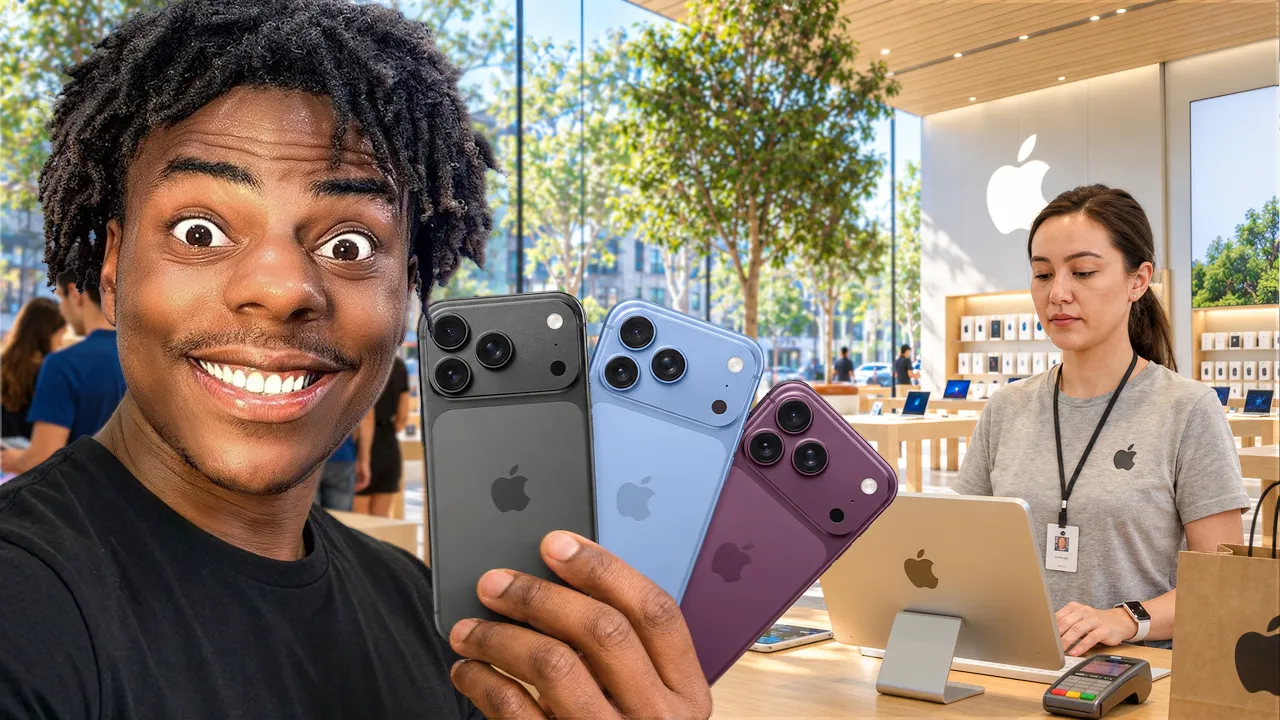
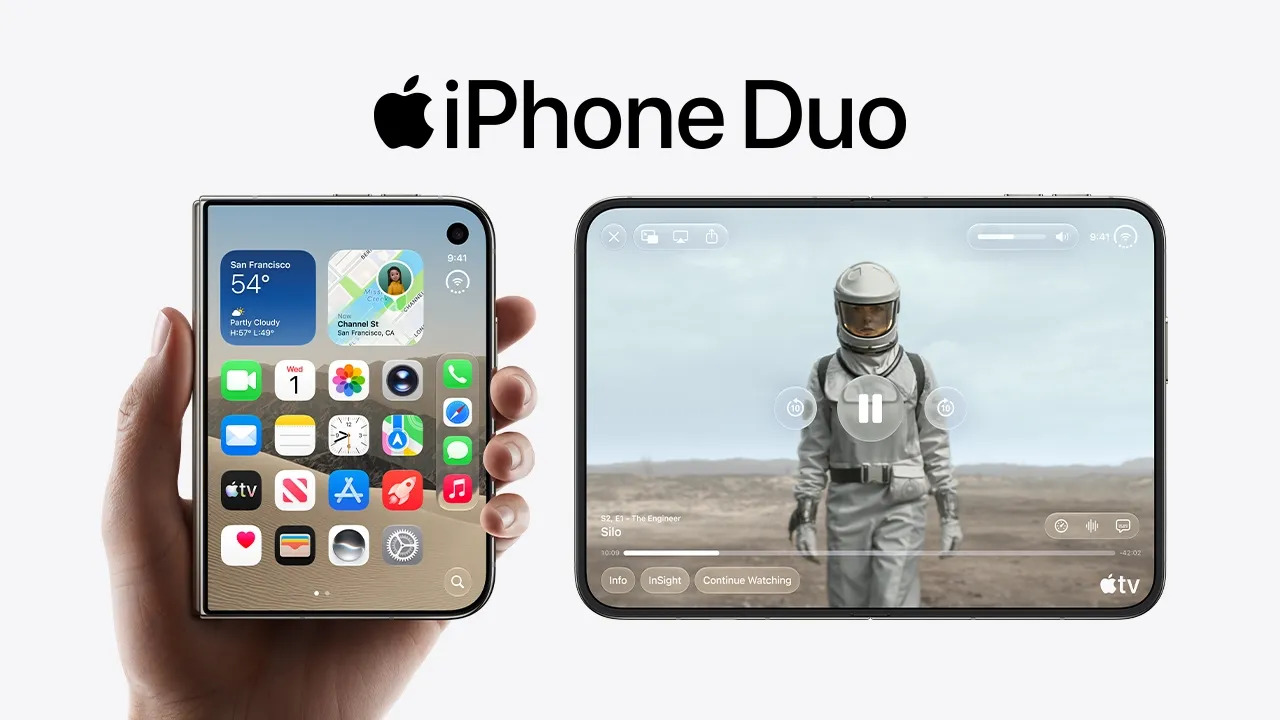
Tech YouTube Thumbnails
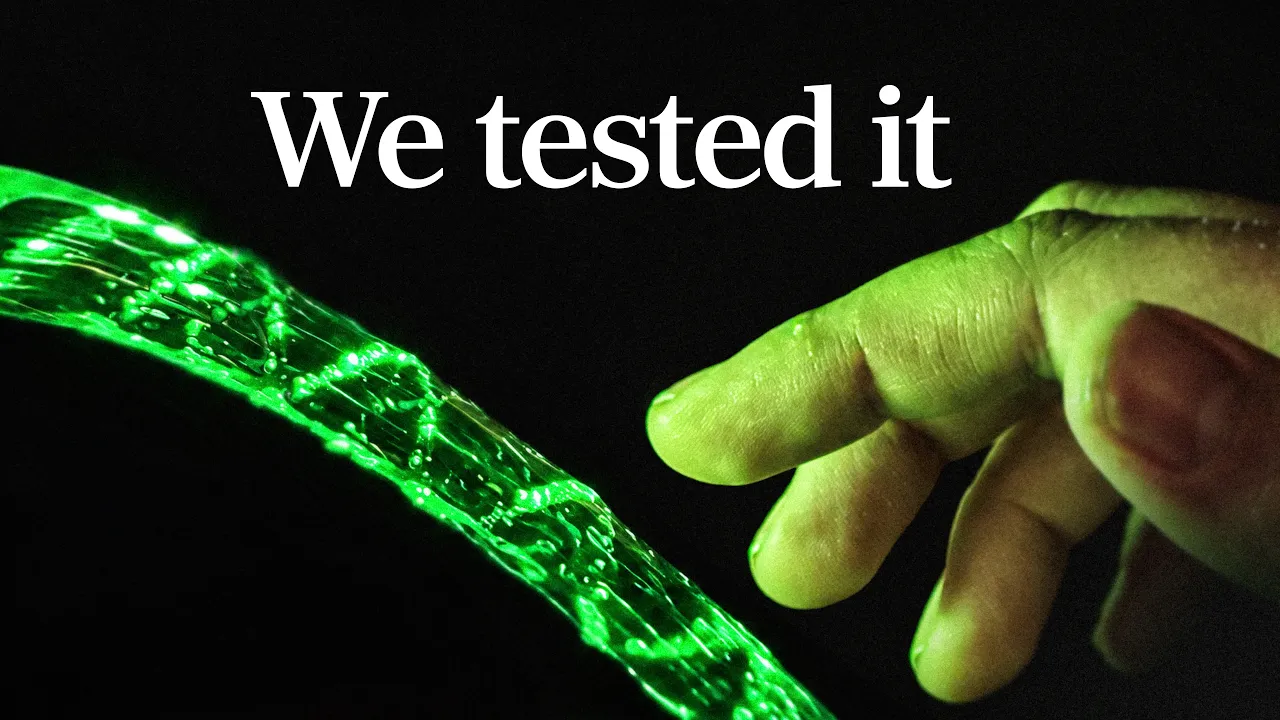
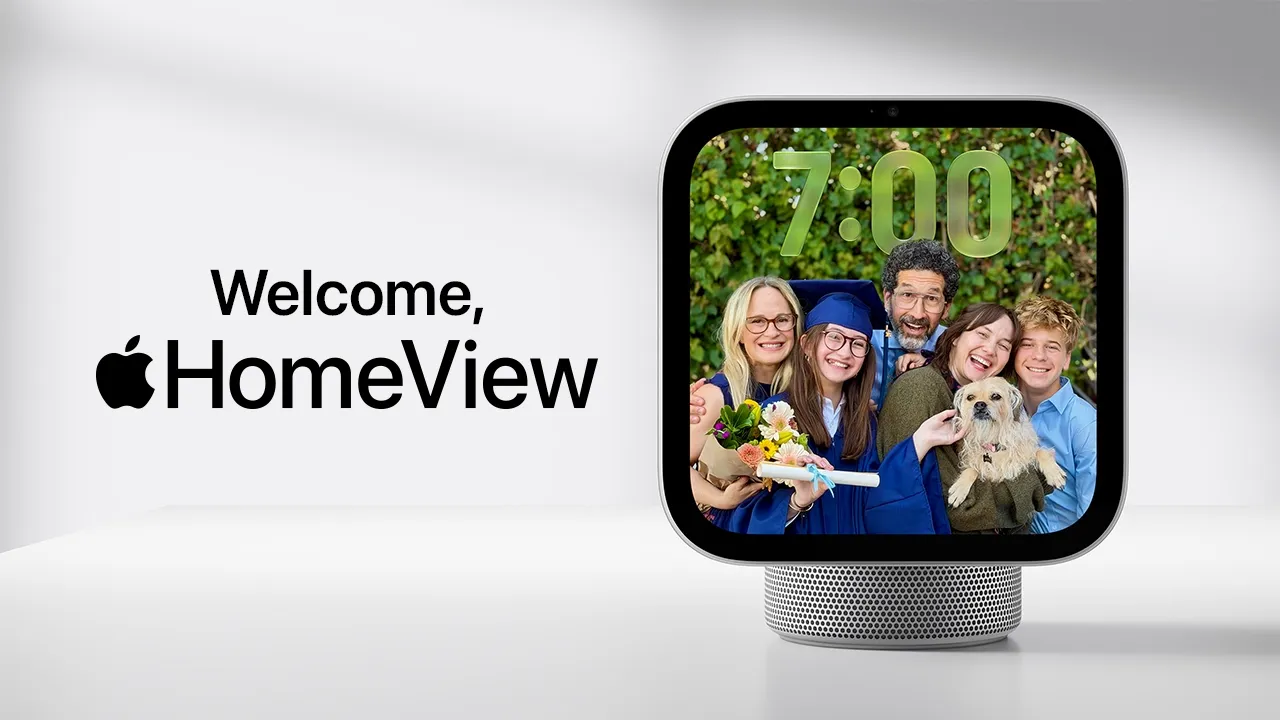
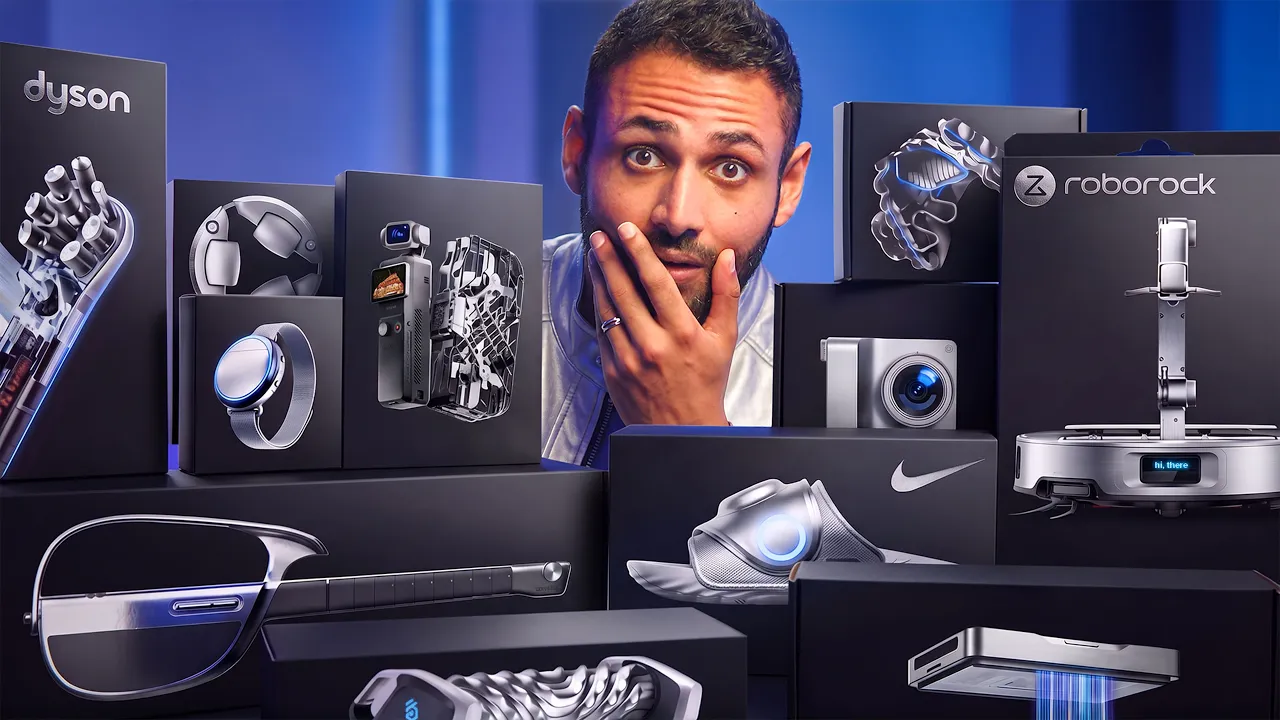
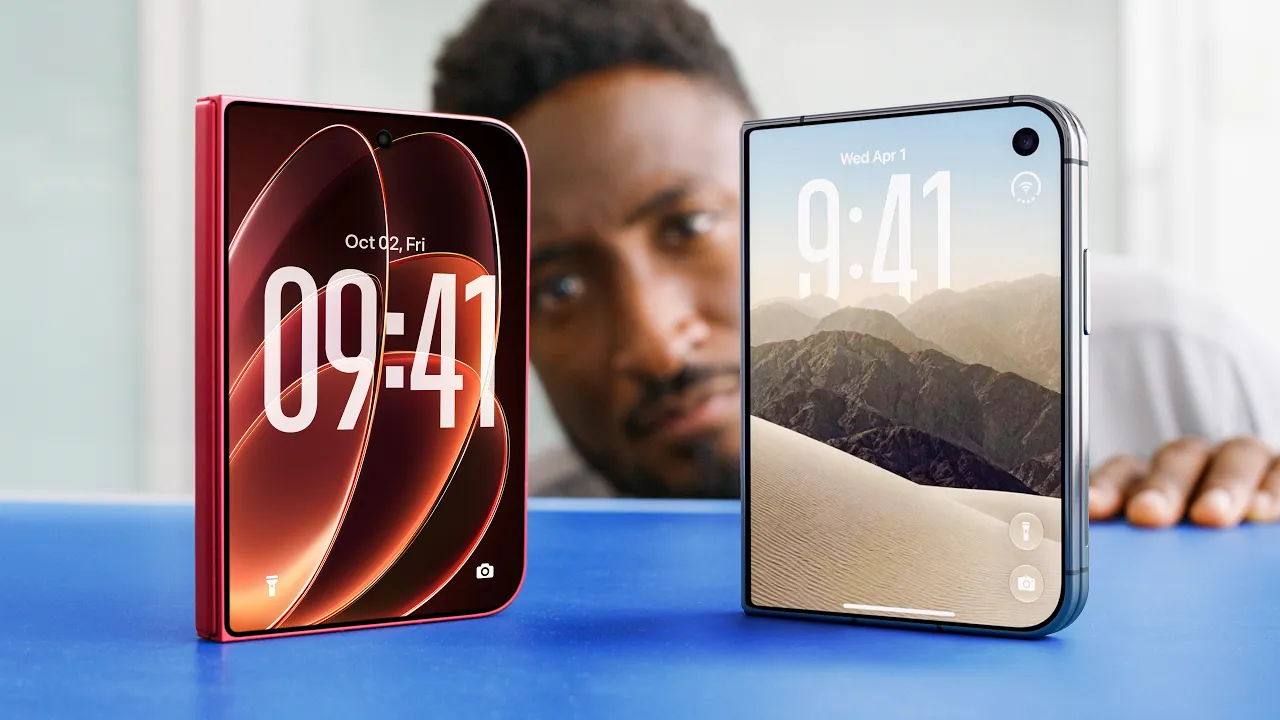
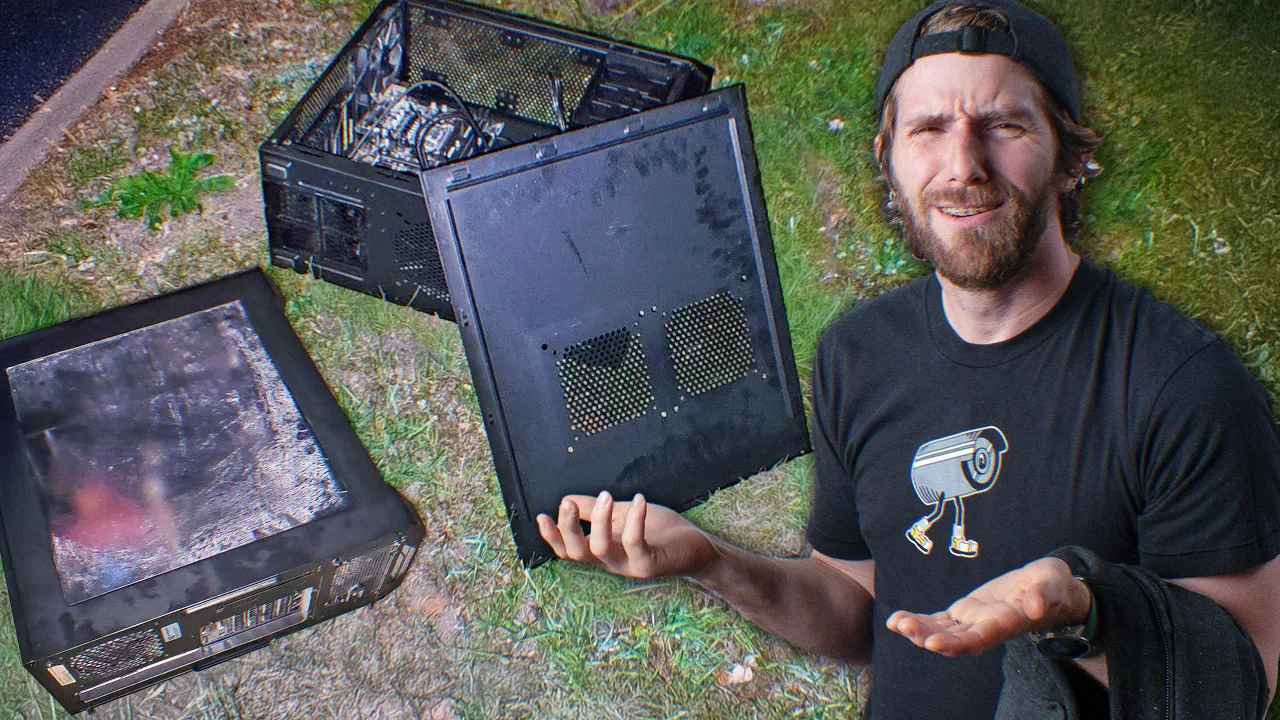
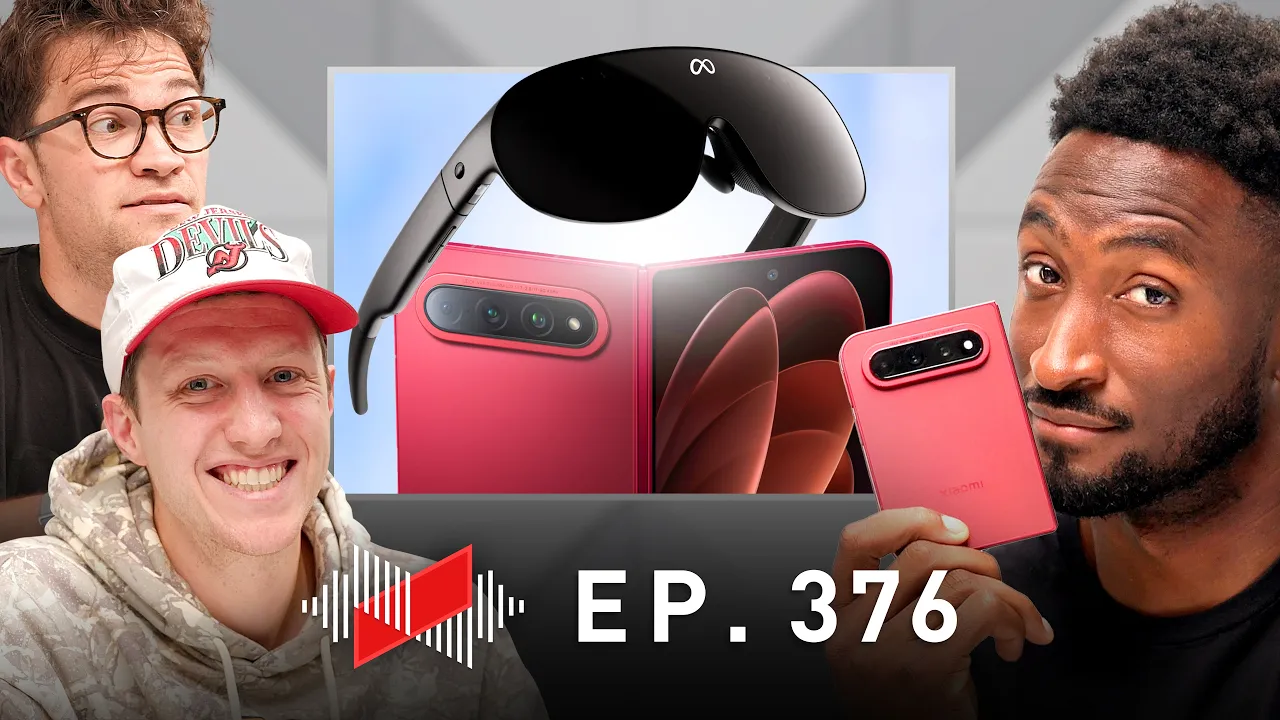
Tech YouTube thumbnails from review channels, dev tutorials, and gadget unboxings. Study the patterns top creators use to make benchmarks, code, and product shots feel urgent and clickable.


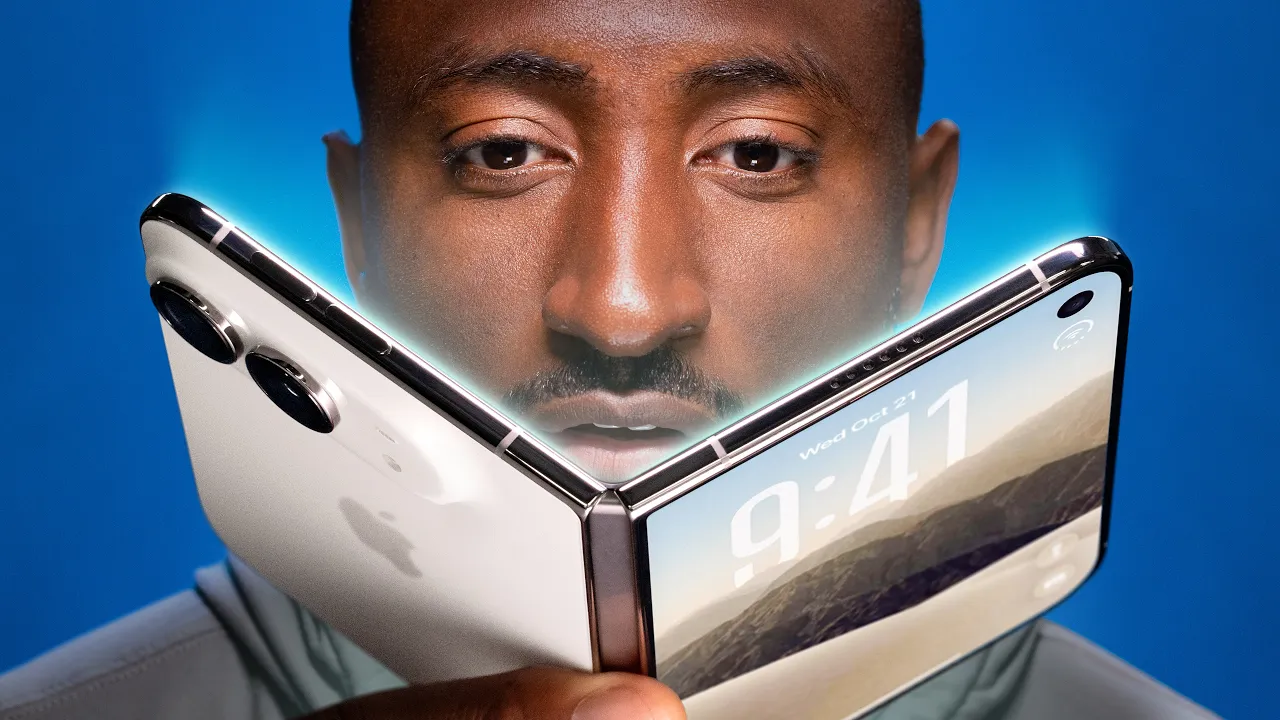

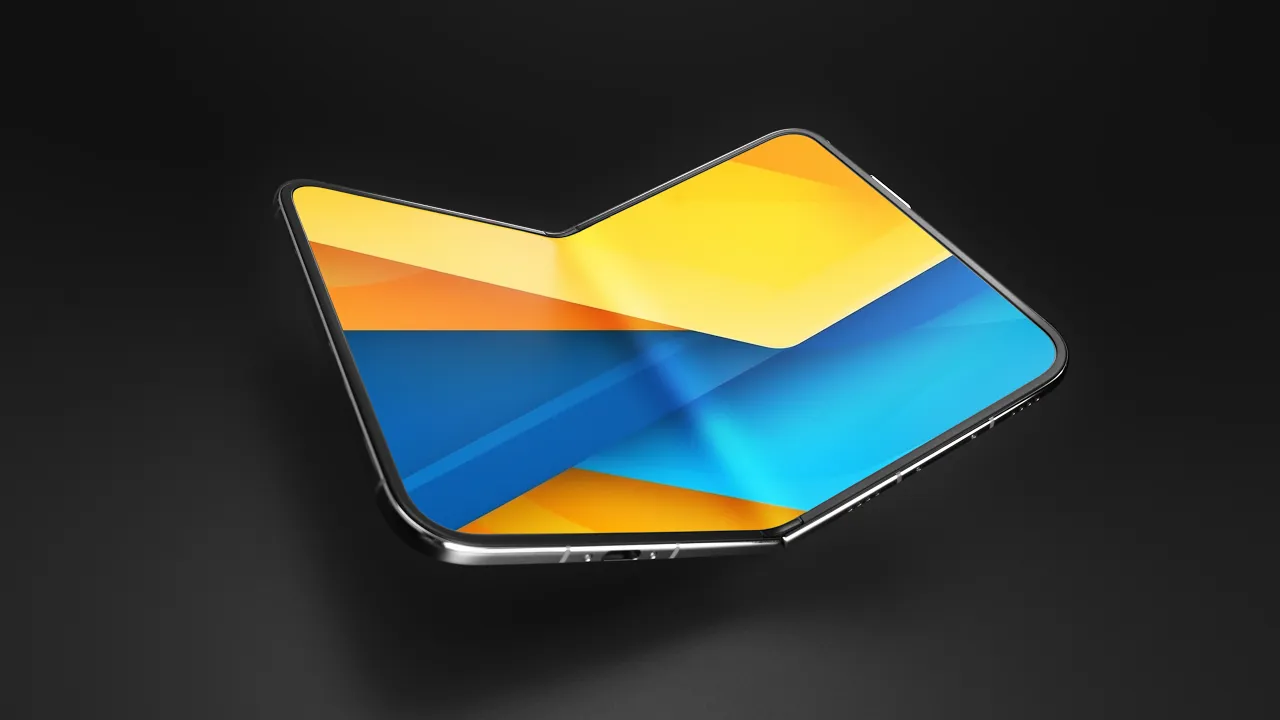

























Frequently asked
What works for tech review thumbnails?
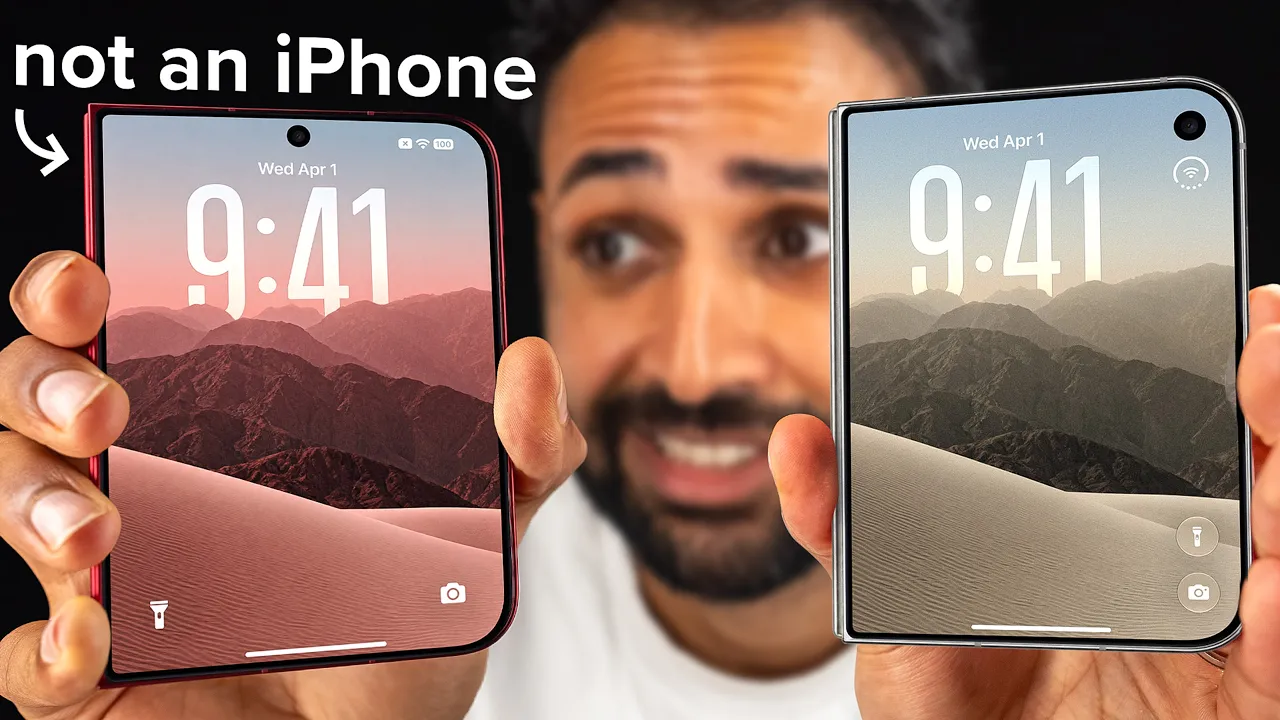
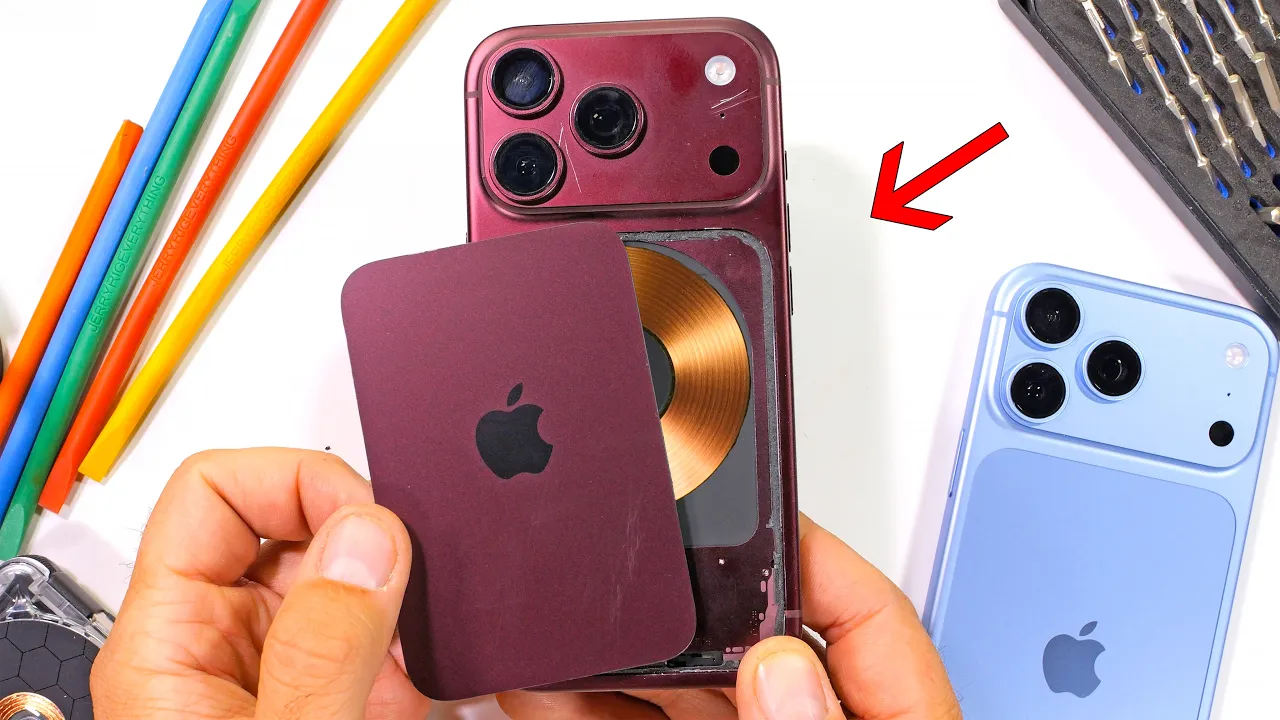
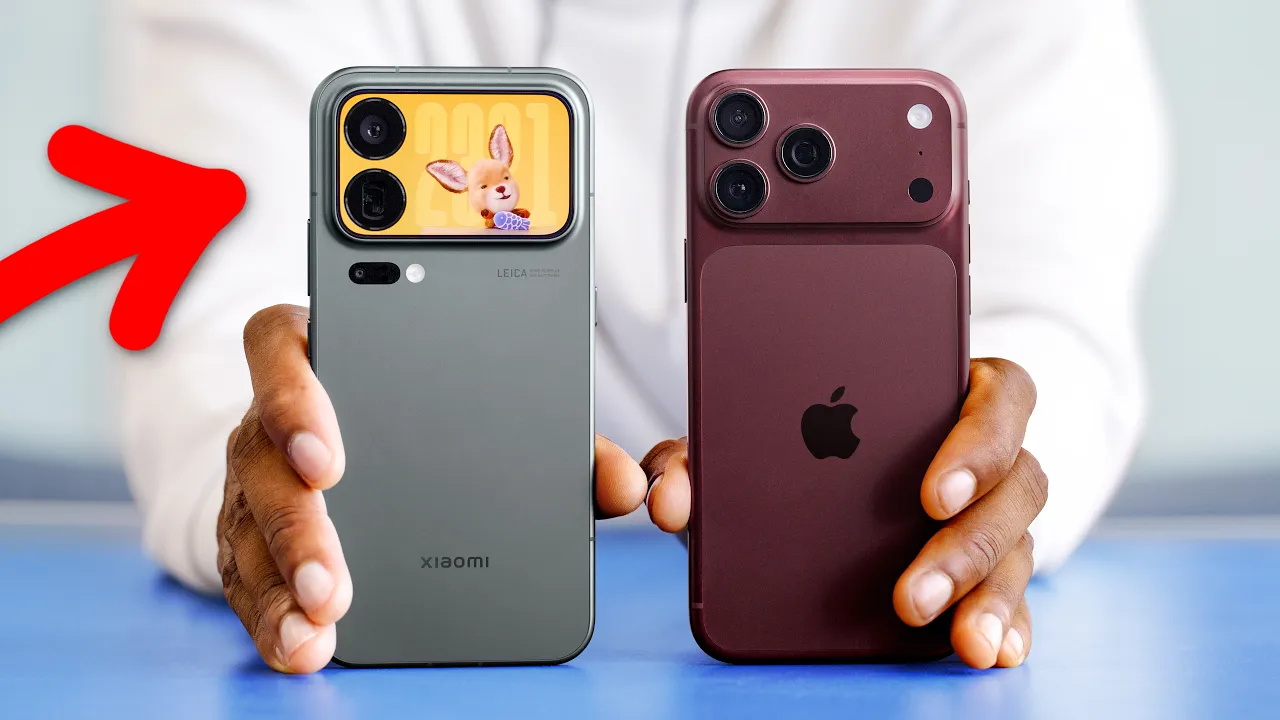
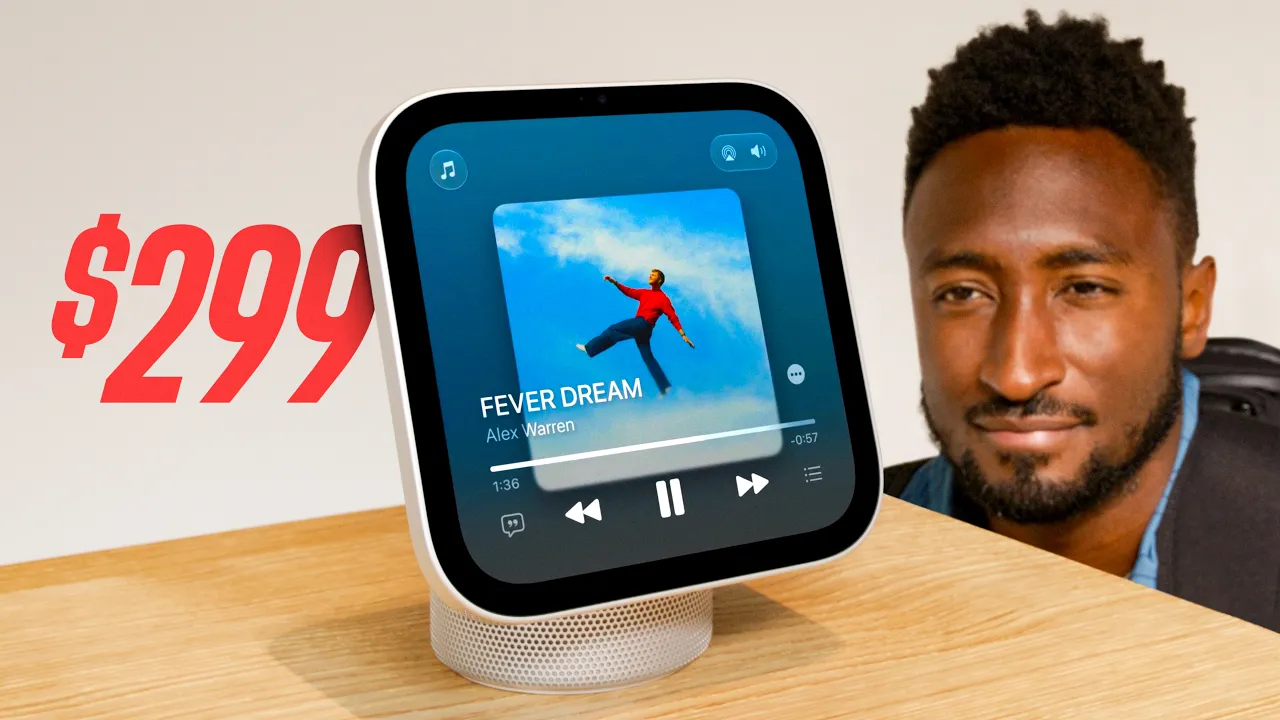
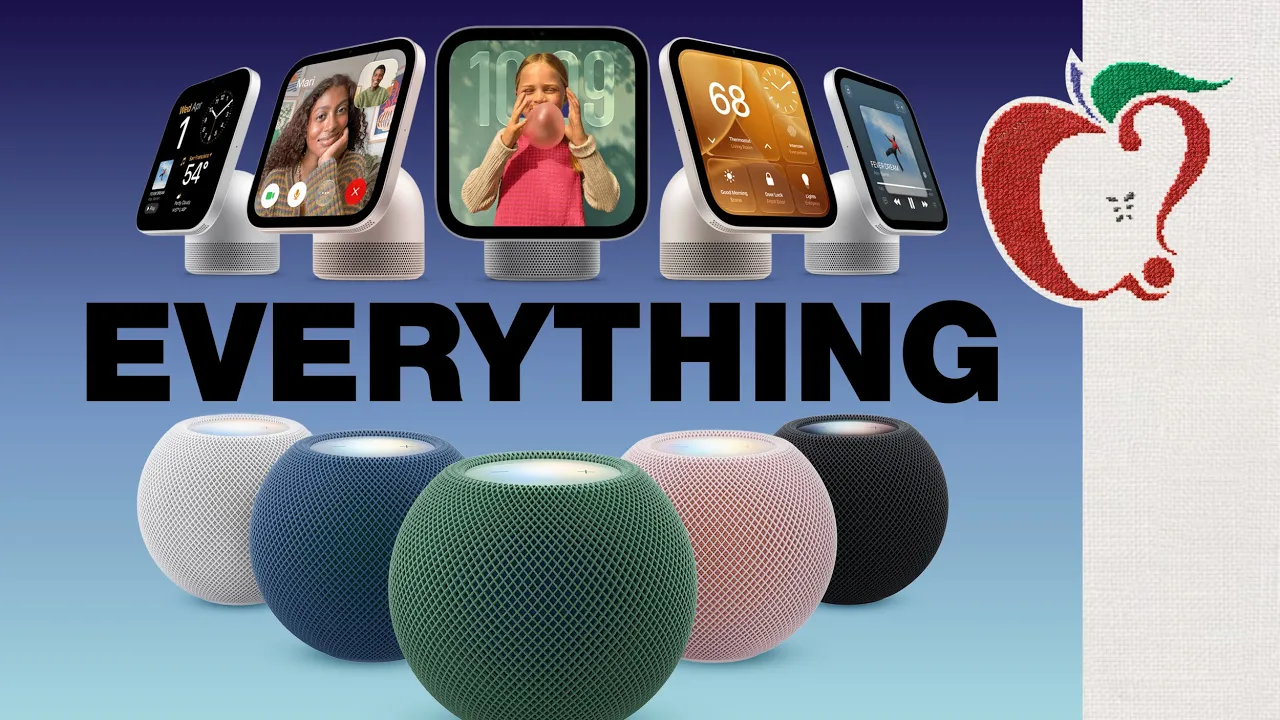
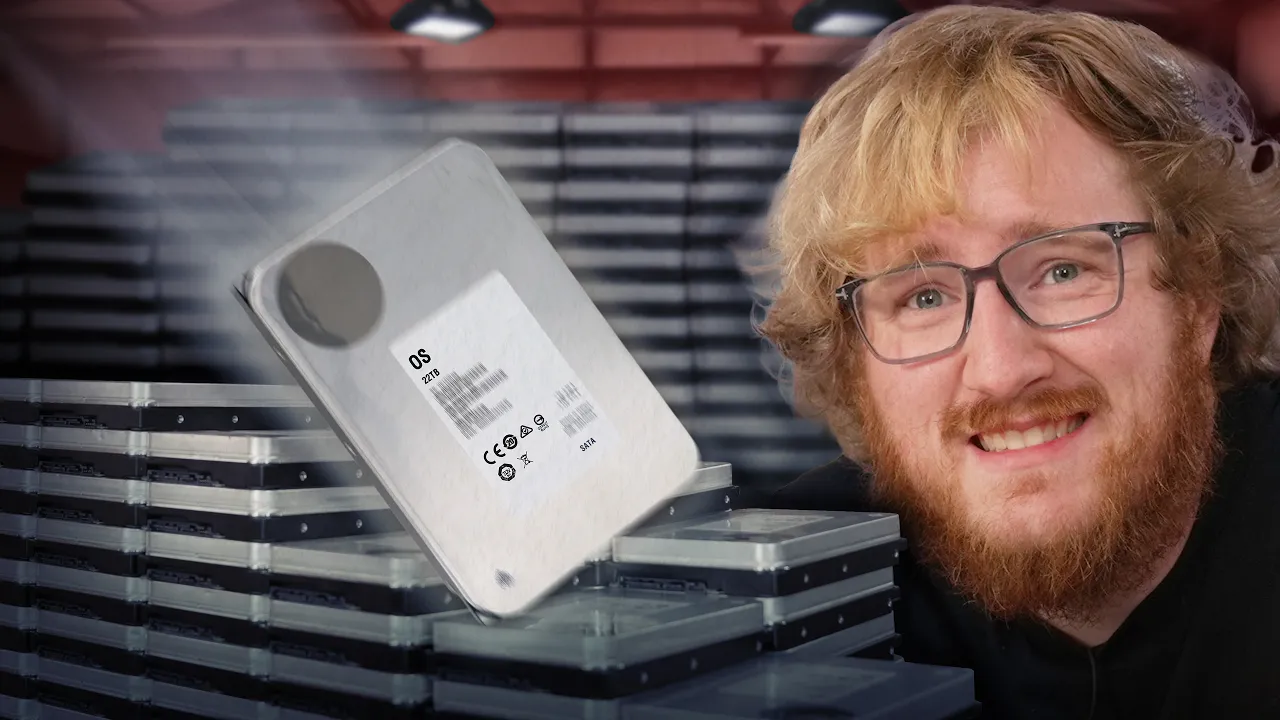
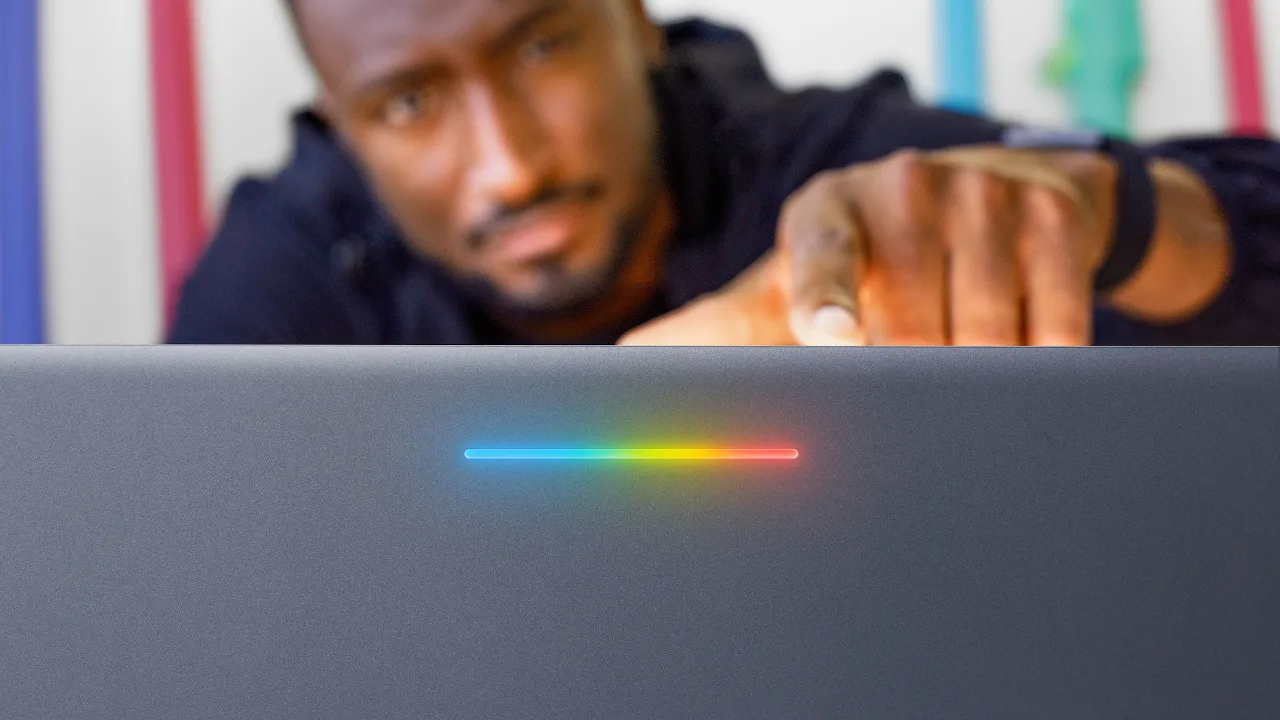
Product shot front-and-center on a clean colored backdrop, plus a face reacting (shocked, impressed, skeptical) and 2–4 bold words. The product needs to be instantly recognizable — crop tight.
Should I show benchmark numbers in the thumbnail?
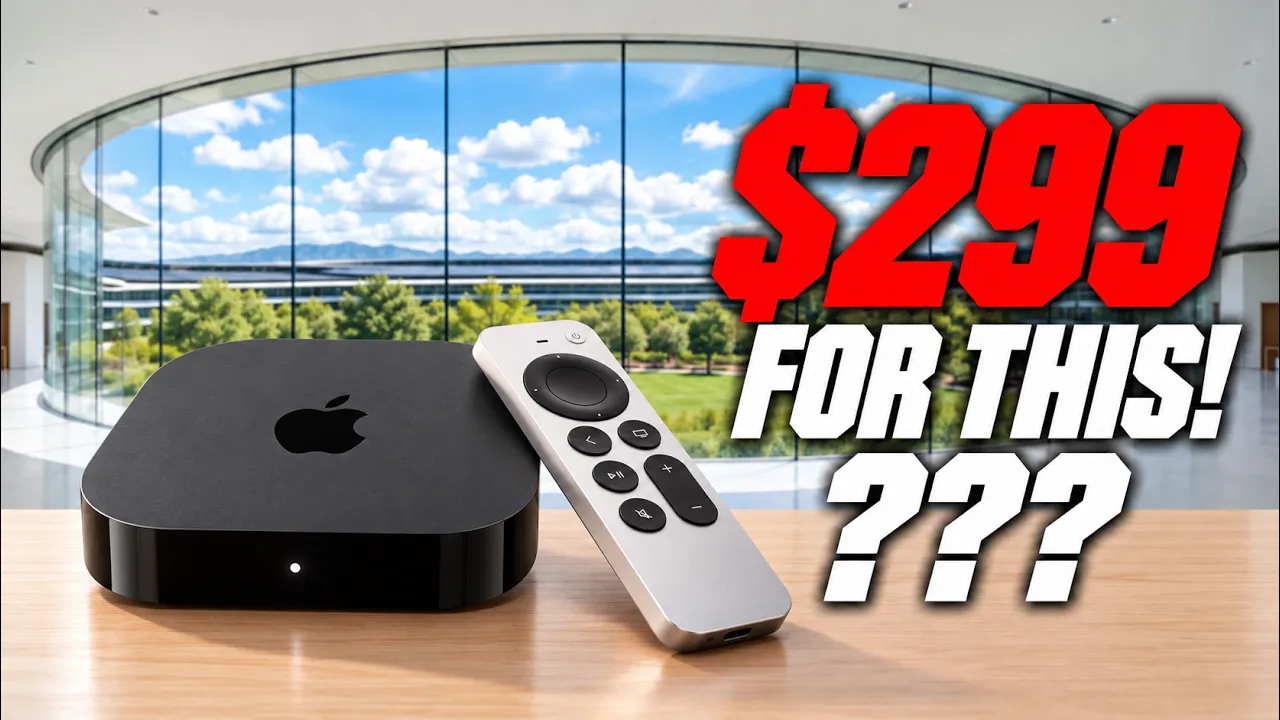
Specific numbers ('40% FASTER', '$199') outperform vague claims. But pair them with a visual; a thumbnail that's only text loses to one with a hero image plus one number.
How do I make a coding tutorial thumbnail click?
Avoid screenshots of code as the focal point — they're unreadable at thumb size. Instead: a logo + outcome ('REACT IN 15 MIN'), a face, and a clean colored background. Save the code shot for the video itself.
Are dark or light backgrounds better?
Dark backgrounds with one bright accent color tend to win for tech because they feel premium and reduce visual noise. Light backgrounds work for friendly tutorial channels.